7dfps 2025 - dev log #1
Myself and Gabriele started working on a small game or two for the 2025 7dfps jam!
I'll be writing up a few posts on the implementation process and details as well as the game design stuff here.
We're making the game in our engine - https://luxeengine.com - so it'll also talk about the things that luxe made easy for us and the setup we used for making the game.
The stuff below is about ~1.5 days of time spent but very spread out and inbetween other stuff!
In motion
Here's a video with a lot less compression than you'd see on social media! I'll post a variety of work in progress steps along the way with interesting glitches and bugs and what not.
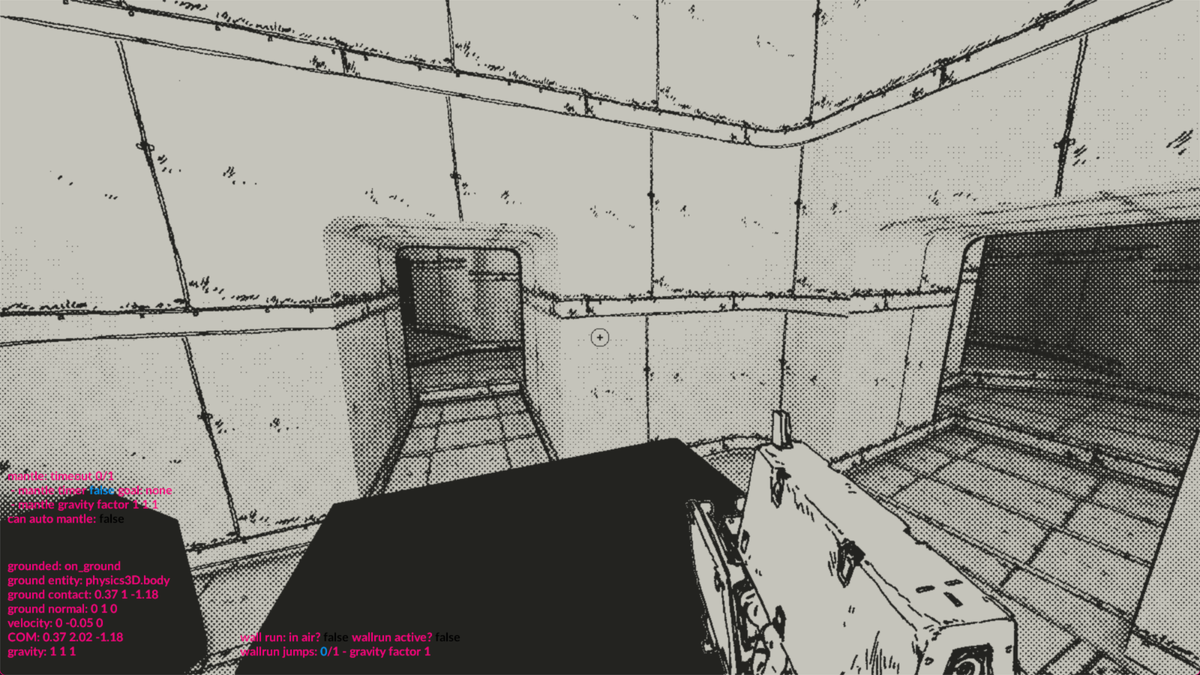
Obviously just a test level to try out the movement set, auto mantle and wall running.
The implementation process
Here's the highest level of detail for how I got to this point for the game, using luxe. I started from a simple empty 3D project, which just had the ground and cube in it.
- created a player modifier for player state
system/player.modifier.wren- not sure if needed, but nice to have it structured?
- create a weapon scene to hold weapon and crosshair
- used scene script + ready
- loaded scene in
game.wrenScene.create(world, Asset.scene("scene/test")) - used Sprite to display image in UI world
- used
Drawto draw a circle + plus center screen - didn't care about resizing or anything, just testing the placement in terms of distance from center screen and size of sprite on screen
(which should be fixed for our sprite)
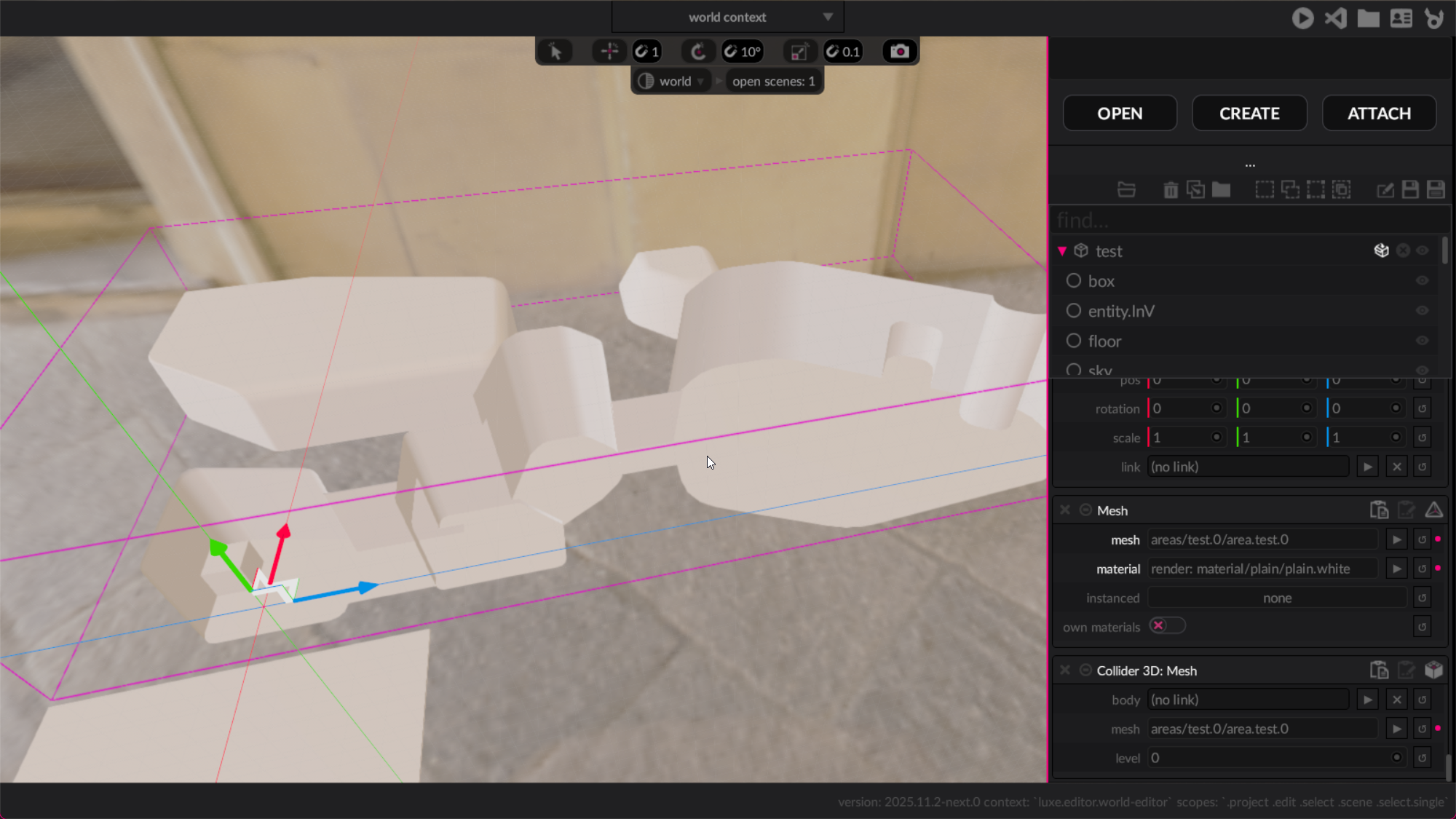
- import test scene
- throw an fbx in the folder
- create entity + attach
Meshmodifier, select mesh - attach
Collision 3D: Meshto it in editor - add + move
Character3Dentity into the space to test collision - add test cube for collision
- Use
Transform.linkto connect camera to character controller - Use camera module with
FirstPersonCamerato look around initially
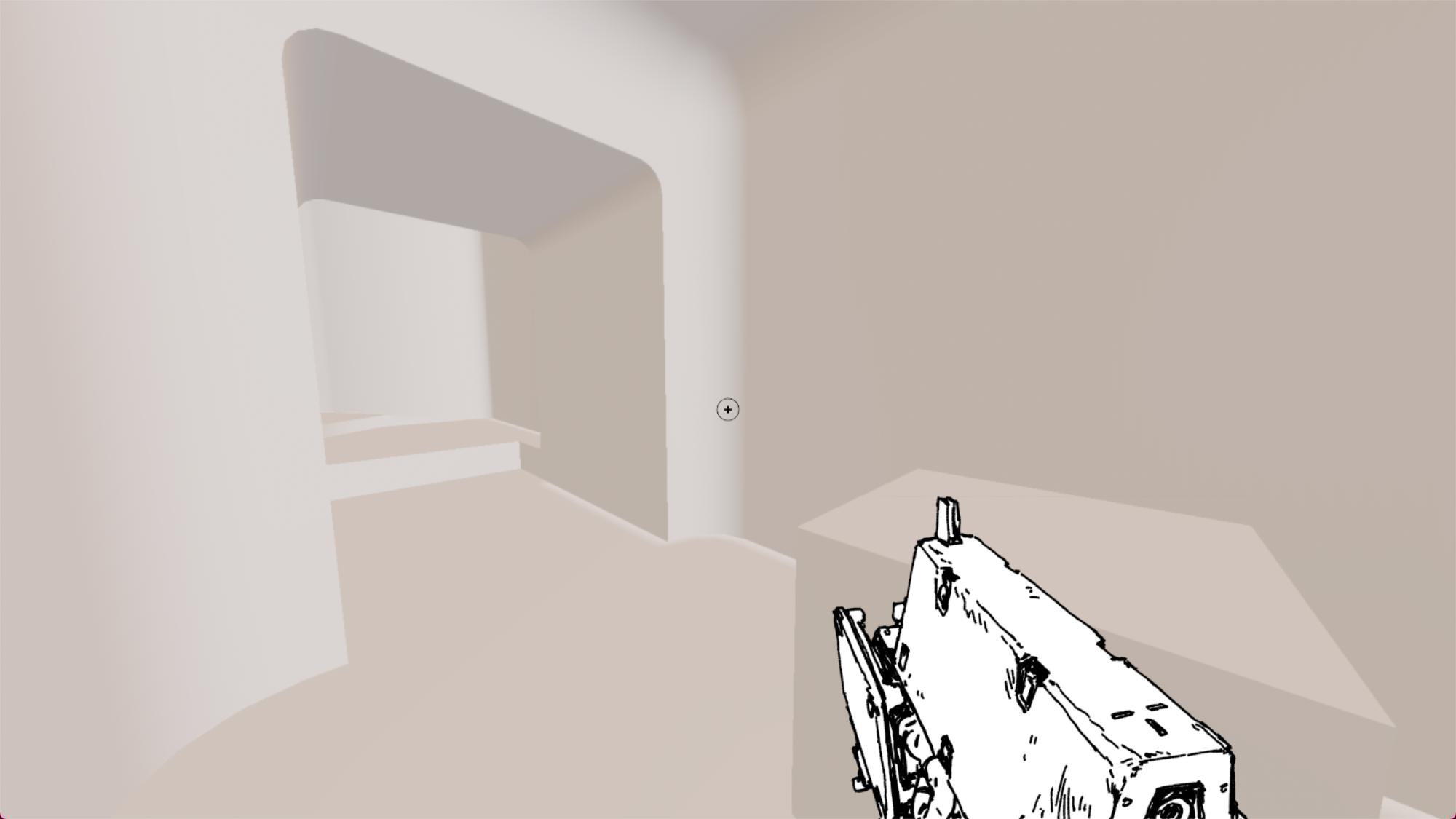
- Add some code to player modifier to move character
- brought code over from brody fps kit initially
- fixed input map making it jump when walk
- Add texture to level by creating a material
- using basic mesh textured material from render module
- added mipmap generation = true inside image file
- Add fog entity to scene, tweak fog densities and colors briefly
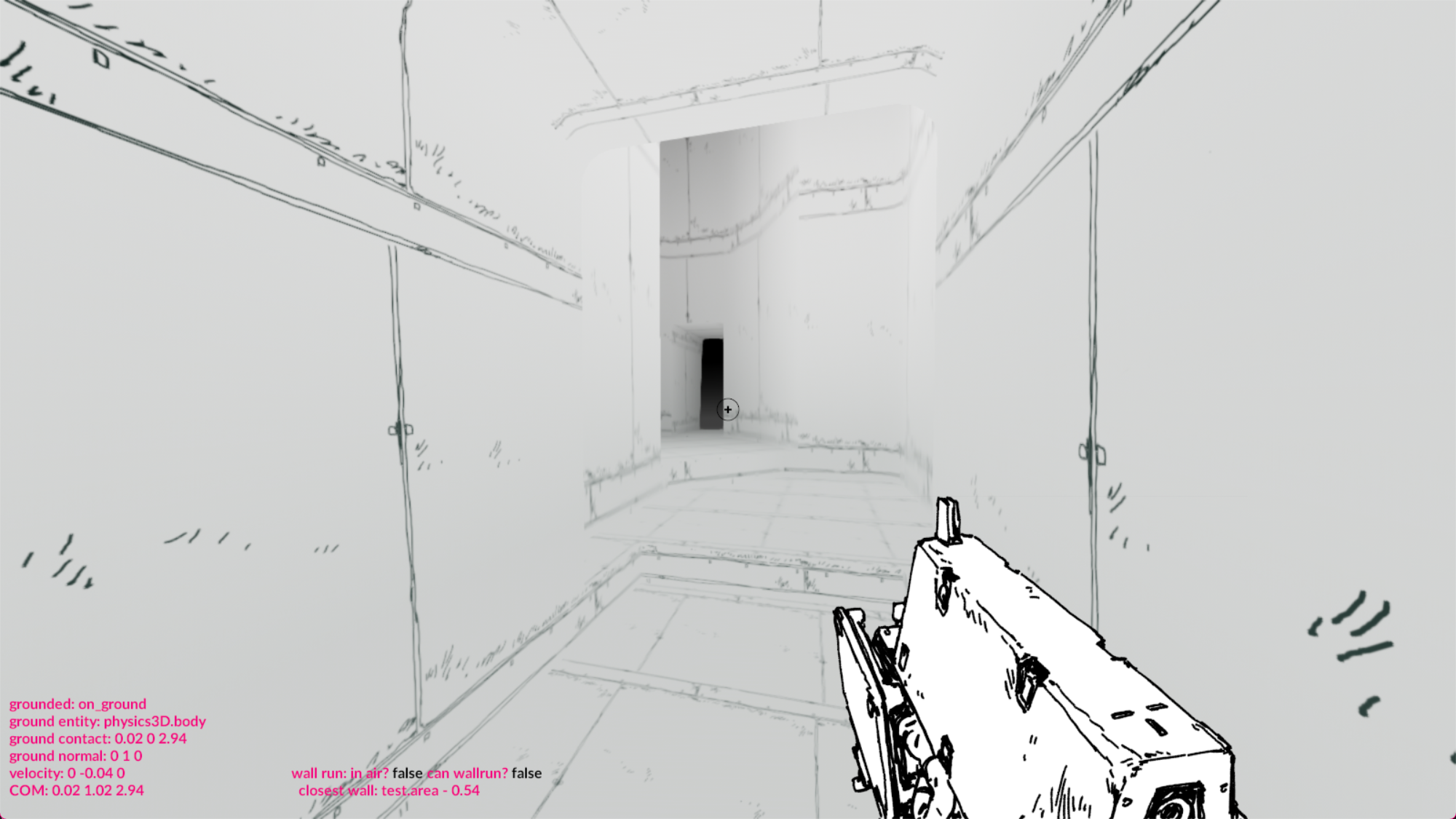
- Added better debug vis for moving states
- tested collision + grounded state all works
- Fix bug in world creation in project outline
- Block in dots post process
- switch to project local
renderer.wrenso i can modify post fx - change
project.luxeto use local one instead - add local shaders file to add custom render pass
- add render pass for dots inside display part
- does nothing but setting red to 1 makes things tint red, so it's working
- switch to project local
- In order for wall run to work, I needed the character to rotate as well
- Made
player_look.modifier.wren - this handles pitch/yaw tracking from the input and exposing it
- Applies yaw (Y rotation) to self for facing direction (e.g player has player + player look attached)
- Camera pitch is read from here and applied
- Made
- Add initial wallrun
- inside player
tick, runwall_run(player, delta) - shoot rays left and right a short distance
- if we find a hit, and we're in the air, set gravity factor on y to 0.1
- Test with a variety of wall shapes and sizes and collision
- inside player
- Bonus bug: radians vs degrees (never goes away). Spinning camera warning.
- Tidy up wallrun
- Fade gravity factor back to 1 over time
- Allow N jumps while wall running
- Animate camera angle change when wall running
- Add initial mantle
- after wall run, add
wall_mantle(player, delta)in player tick - shoot ray in front of character, above the eyes and down
- ray is character height in length
- if it hits something, check the distance, if smaller than a reasonable amount, we can mantle
- after wall run, add
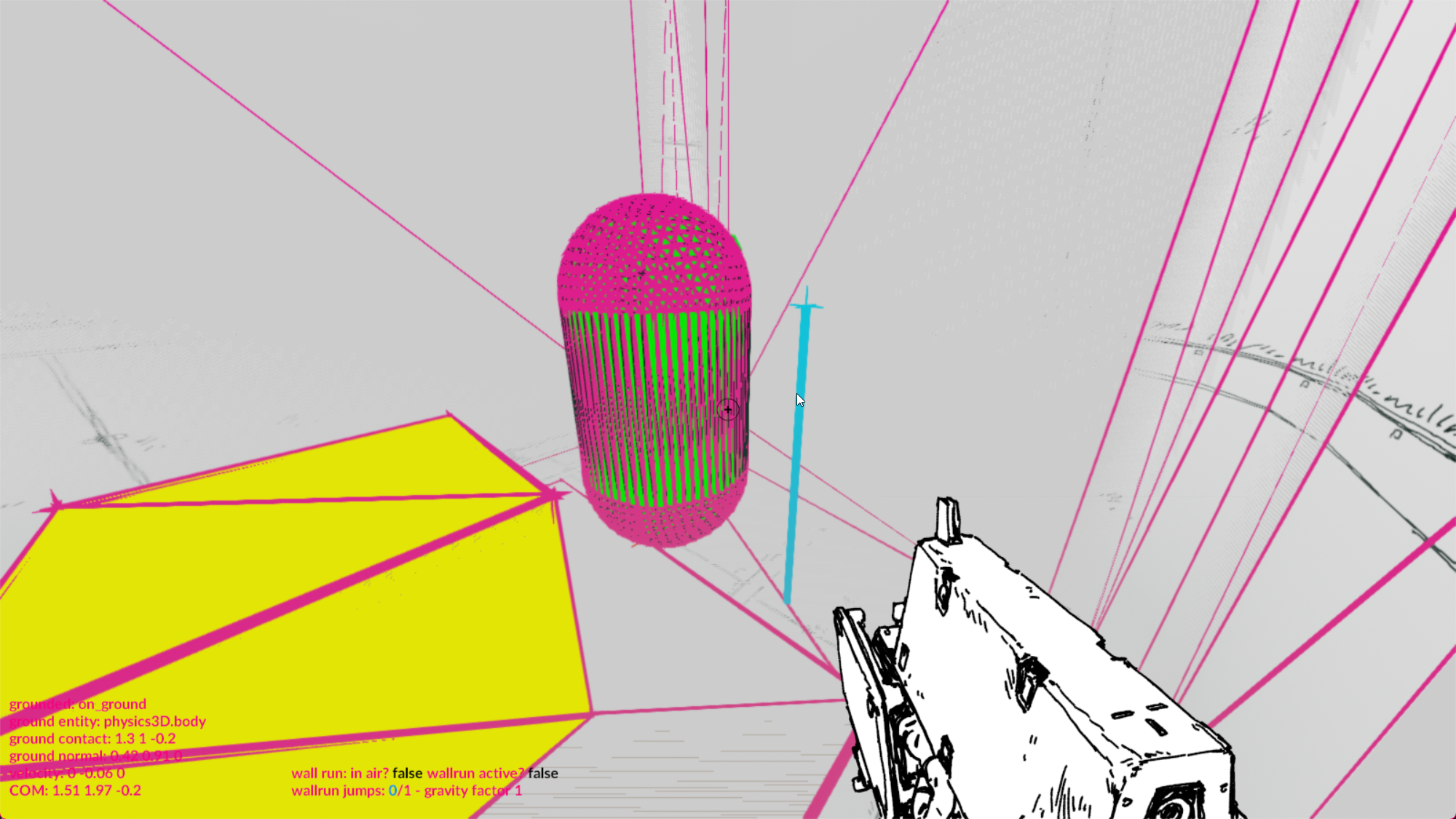
- You can see it here in slow motion at the end
- tried storing
movingbool with a lerp to the destination raycast on the ledge- didn't work, because we're lerping a character with gravity
- and because collision will still happen
- it can get stuck "never arriving" so you get pulled toward a ledge constantly
- it works fine when it works, just unreliable
- Re-did mantle to be explicit lerp over fixed duration
- Instead of a perpetual lerp till you arrive, store the start + end and then lerp
- This makes t = time / duration, where duration is like 0.25 seconds
- This makes the set position absolute, and will still collide but at the end, WILL be at the destination
- because it's so quick, it feels good and transparent enough
- Properly implemented the dots post process
- Worked with Gabriele to do the shader as intended
- Some bugs and funny side effects along the way
- Debug vis in editor gets caught in the render so it becomes cooler
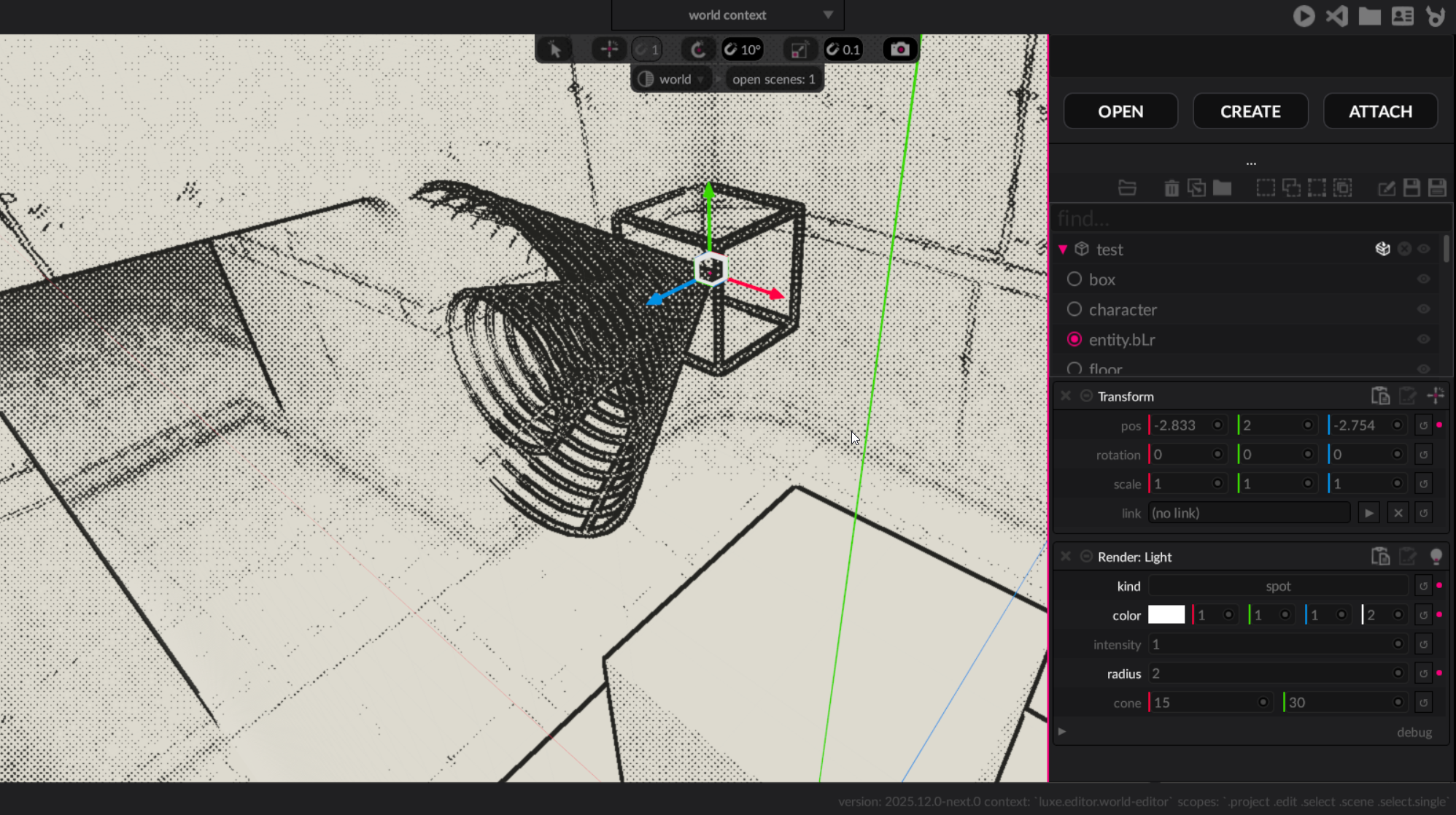
- The first version was a bit rough around the edges but looked neat
- Moved the weapon into the path of the shader
- this also affected the text at this point, oh well
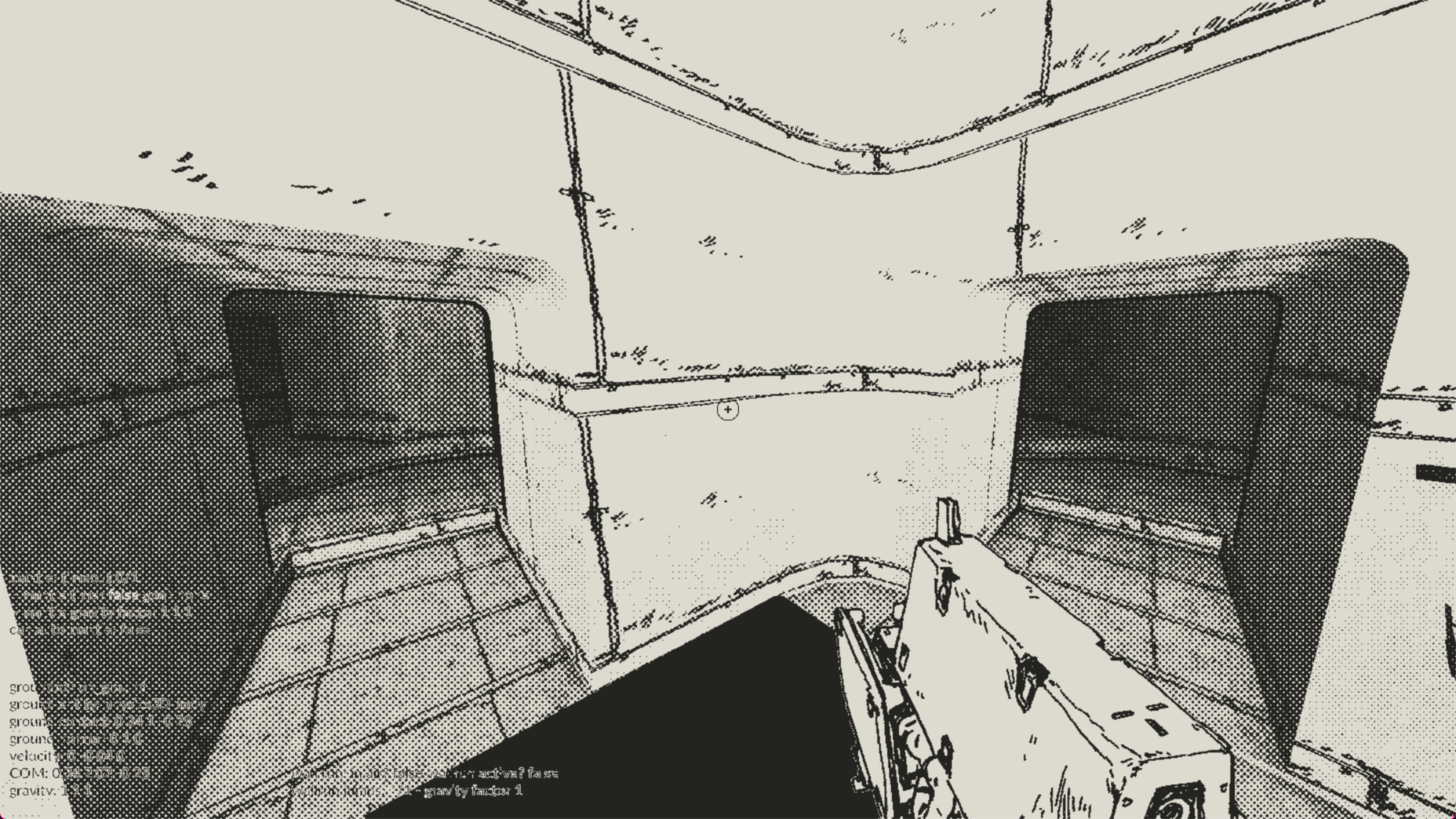
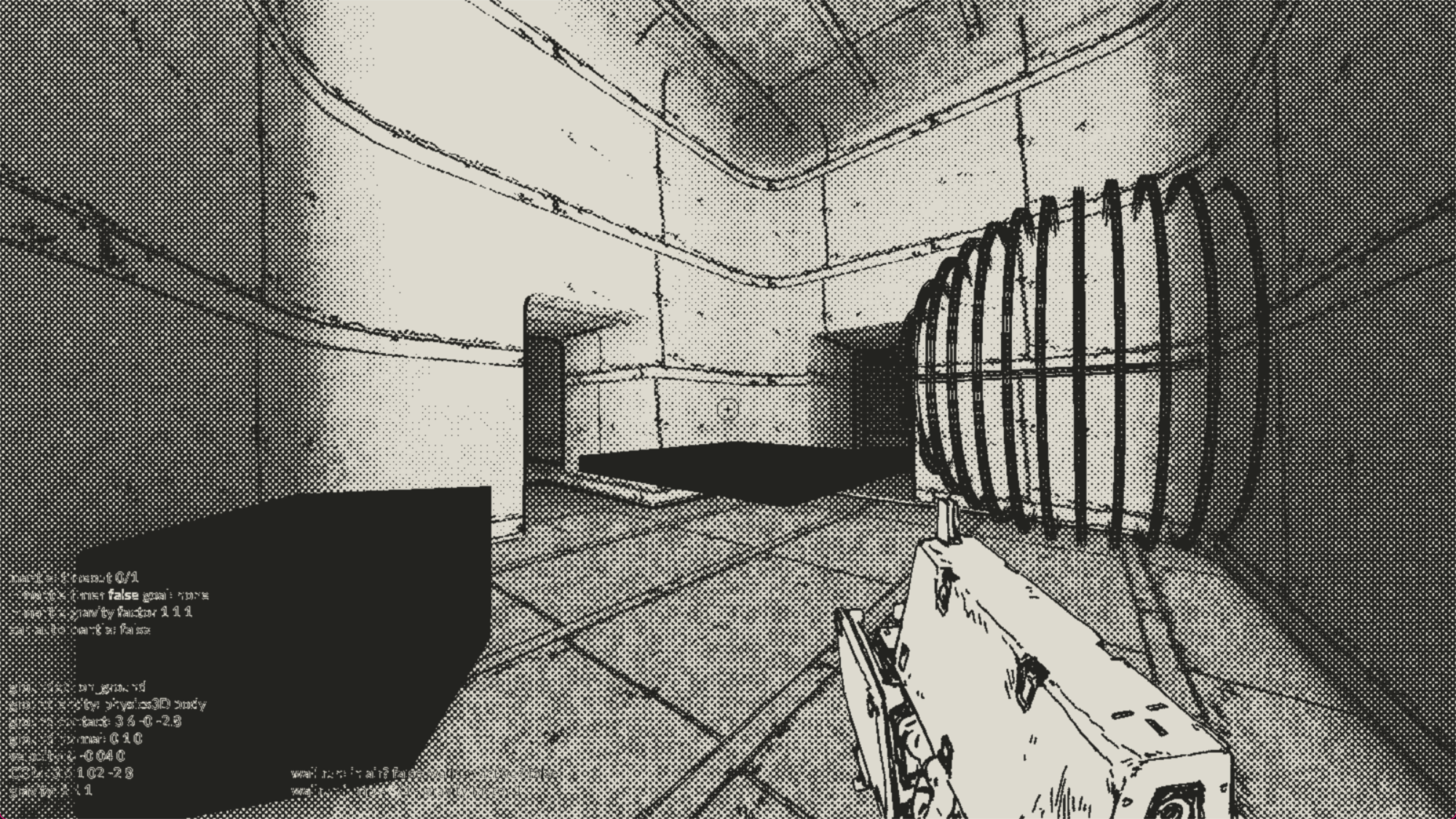
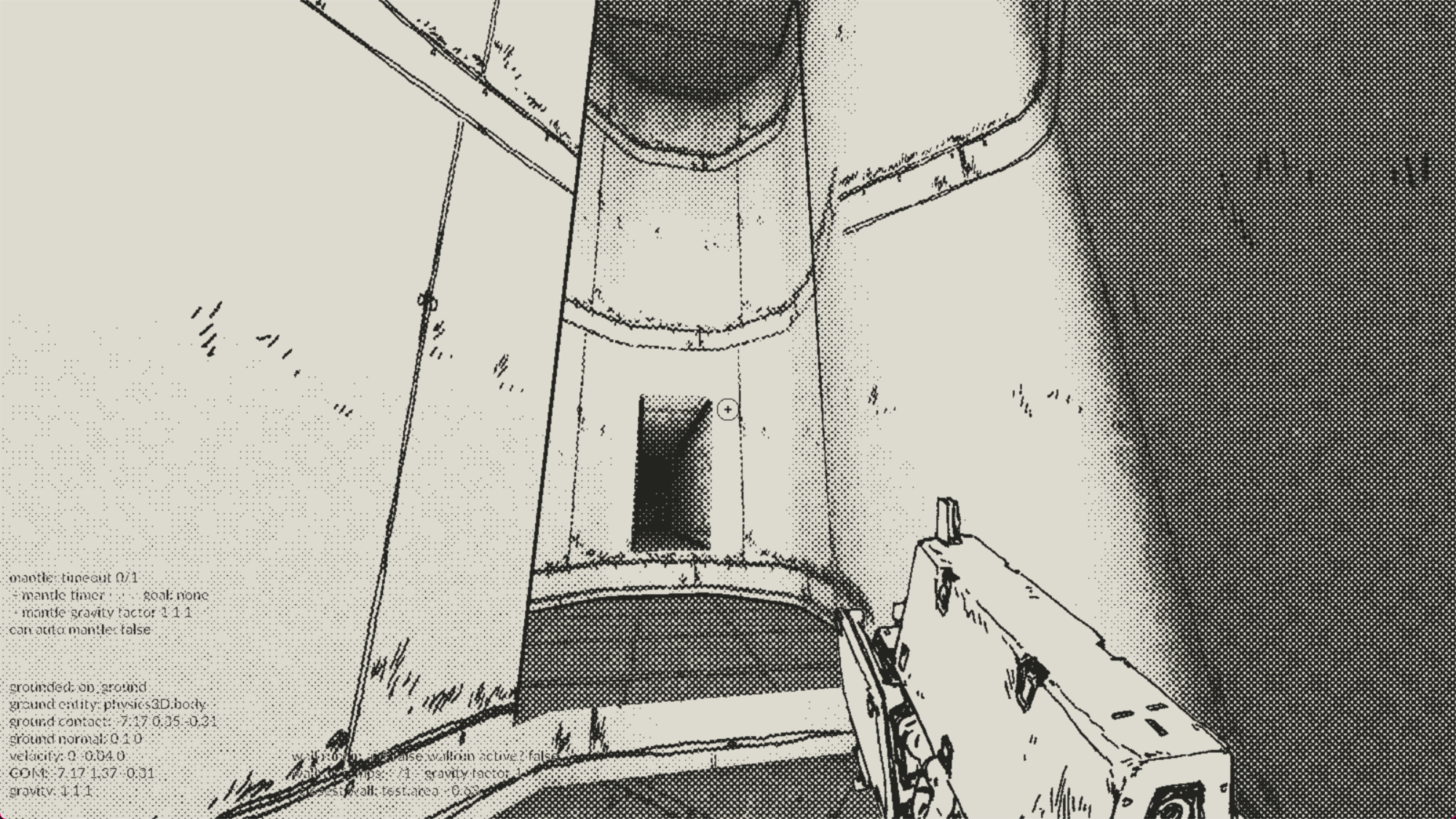
- some issues along the way: ghost weapon and more. I always wanna explore making stuff in these broken versions...
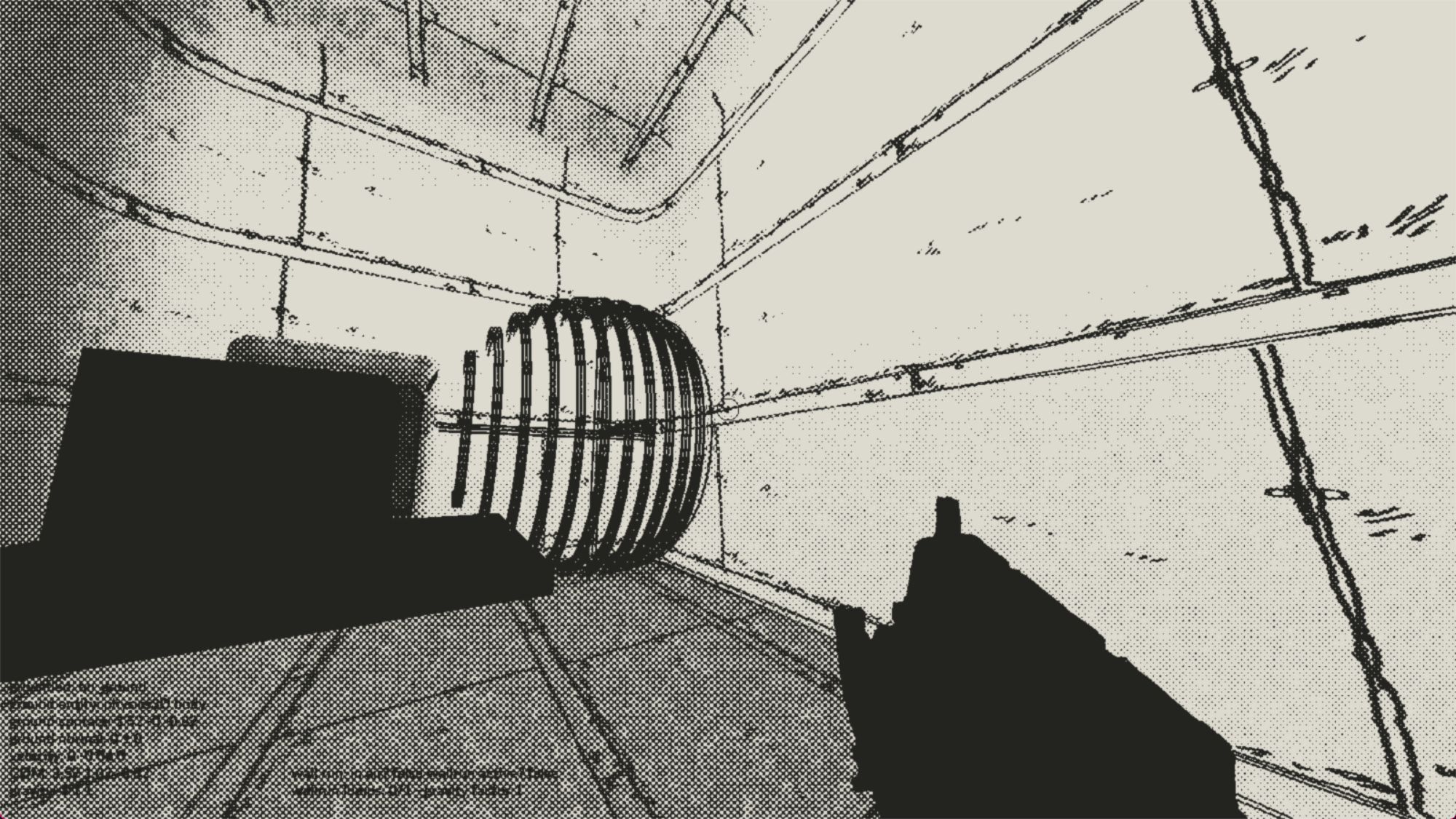
- Moved the text to it's own rendering so debug text isn't lost
- Also fixed the editor not rendering the game anymore
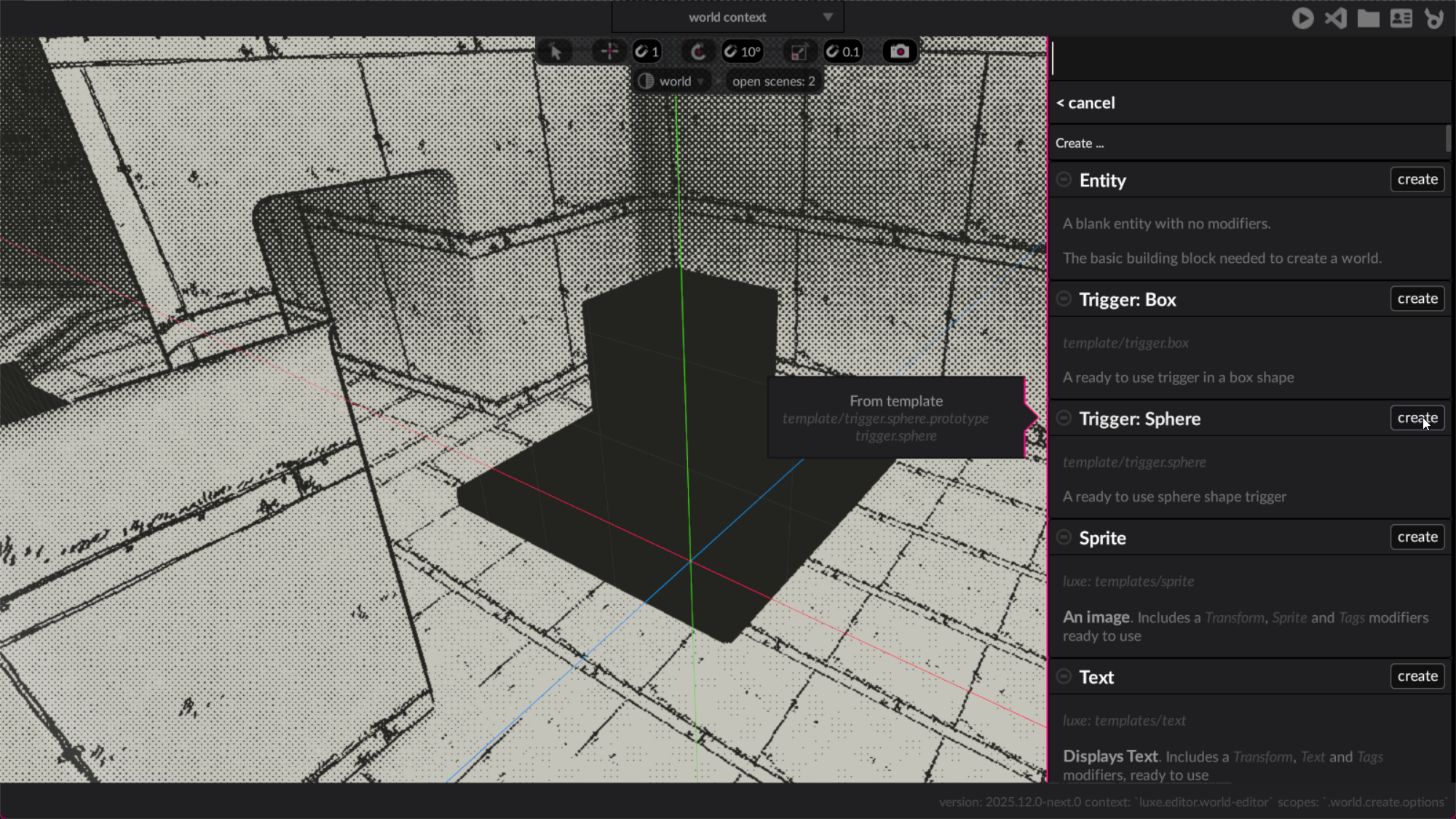
- Created a trigger: sphere and trigger: box template for easy use in editor
- Brought the yarn dialogue module into the project
- Added a trigger -> display message modifier
- Hooked up a very basic text display + print display
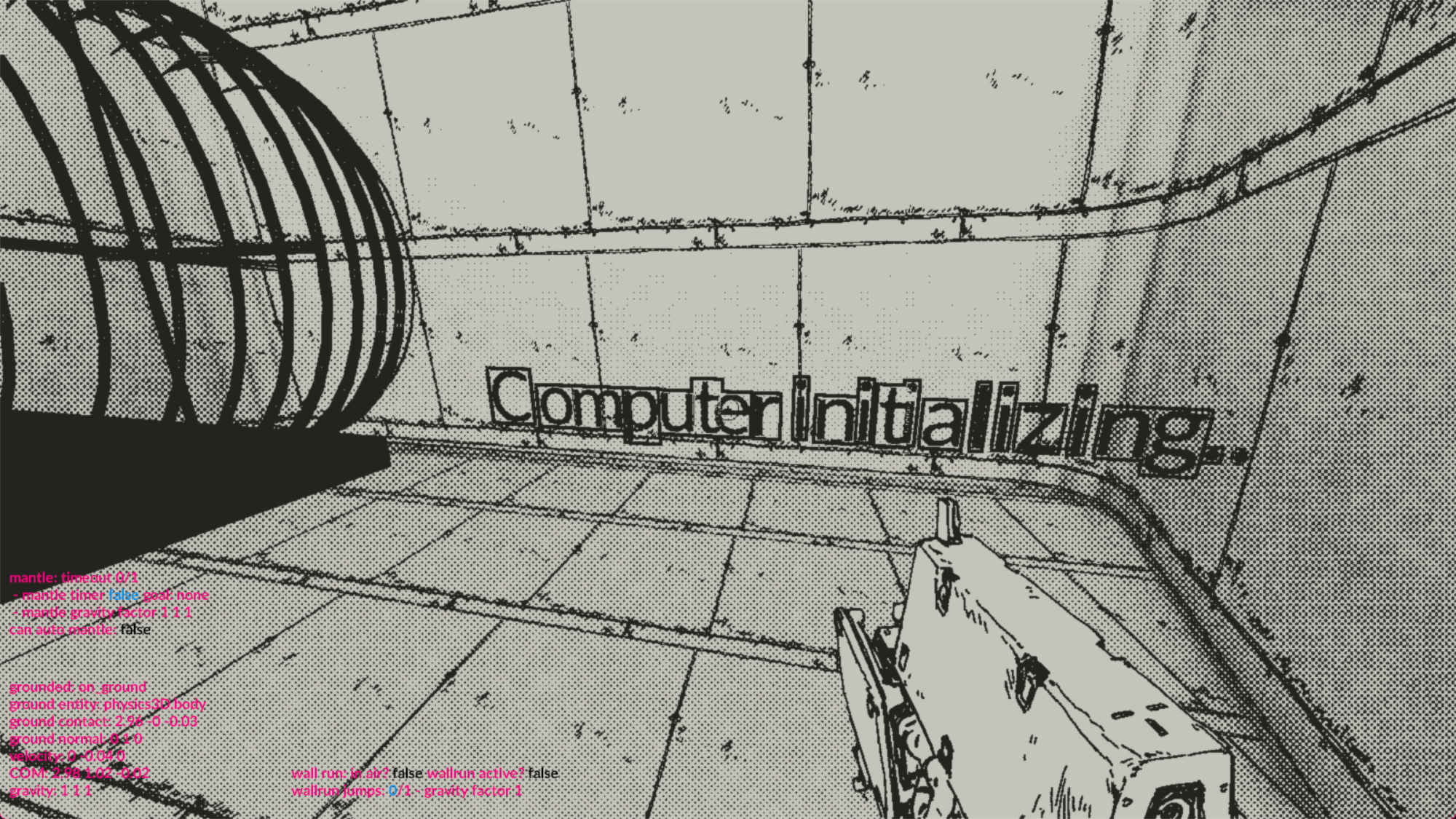
- Text was affected by the outlines, so disabled depth write for text
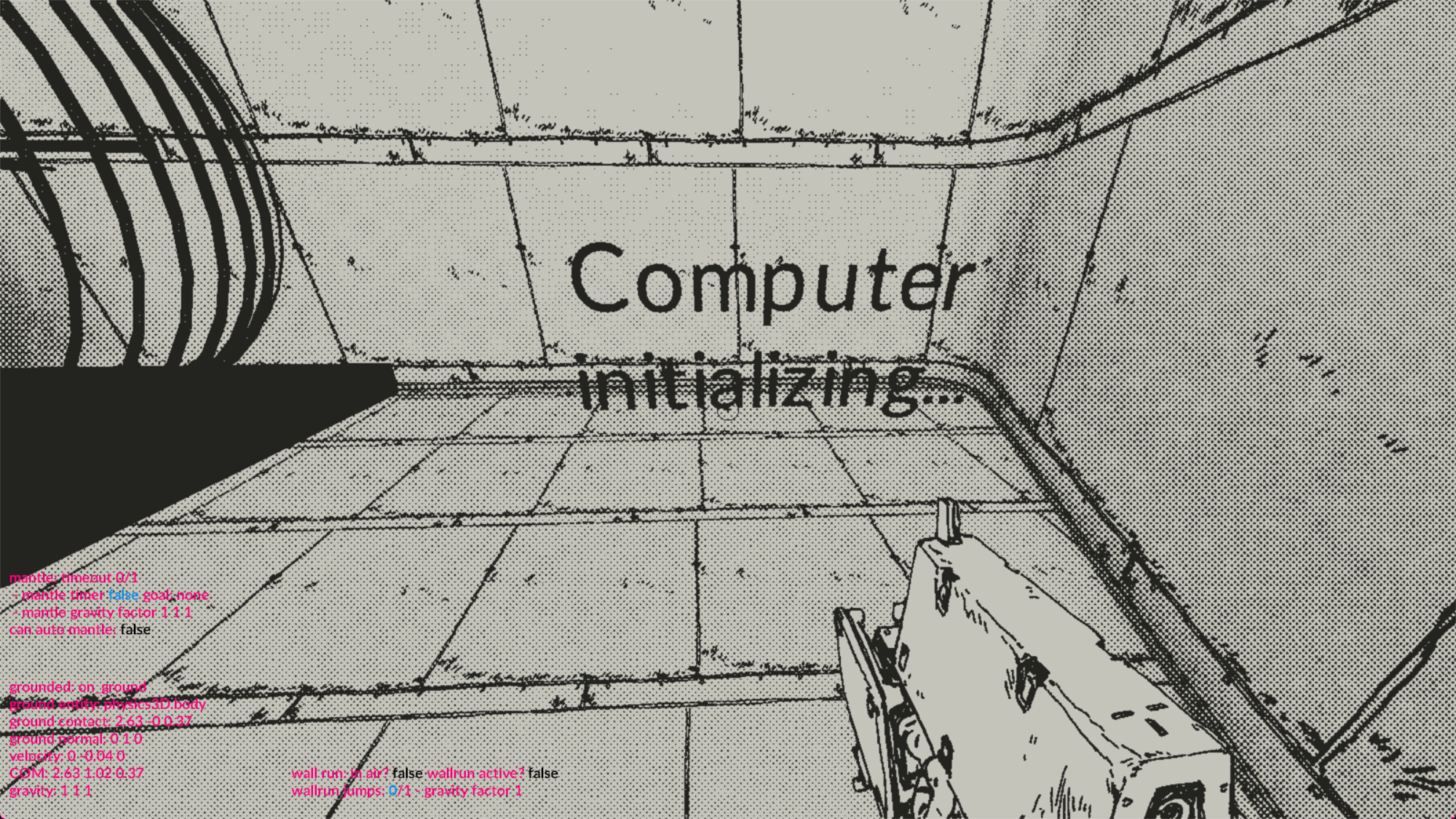
- Gabriele tweaked the fog, and dot styles to be more gradually faded
- That's the checkpoint for this post, all combined it looks like this as seen above in the first video!
In the next post I'll detail stuff people asked to expand more on, and talk about the game design/s for the jam.
<3